Image → Skin
Bring a drawn character into Minecraft.
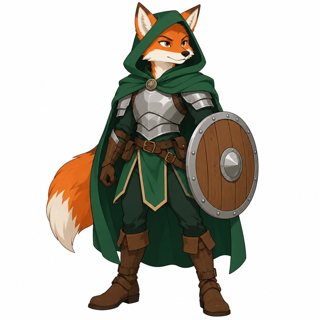
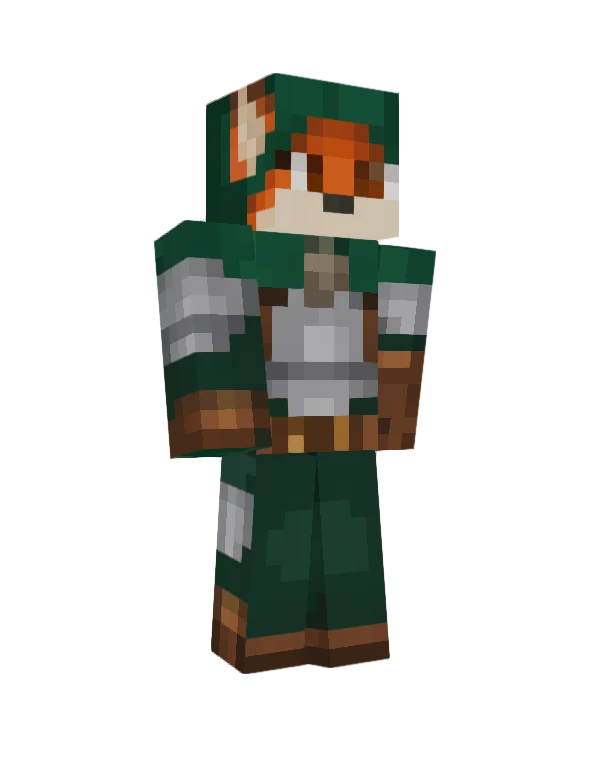
Fan art, an OC, a mascot or a game screenshot. The design carries over: hoods, armor, skirts on the legs, tails and capes on the back.
Upload a selfie, your pet or one sentence. Get a skin you can wear in Minecraft Java and Bedrock.
Ivy, made from a selfie
Five ways in
Start from a selfie, a pet photo, a drawing, your Roblox avatar or one sentence. Each one ends as a real 64×64 skin you can spin in 3D and wear in Java or Bedrock.
Input
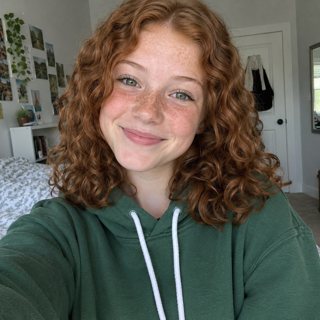
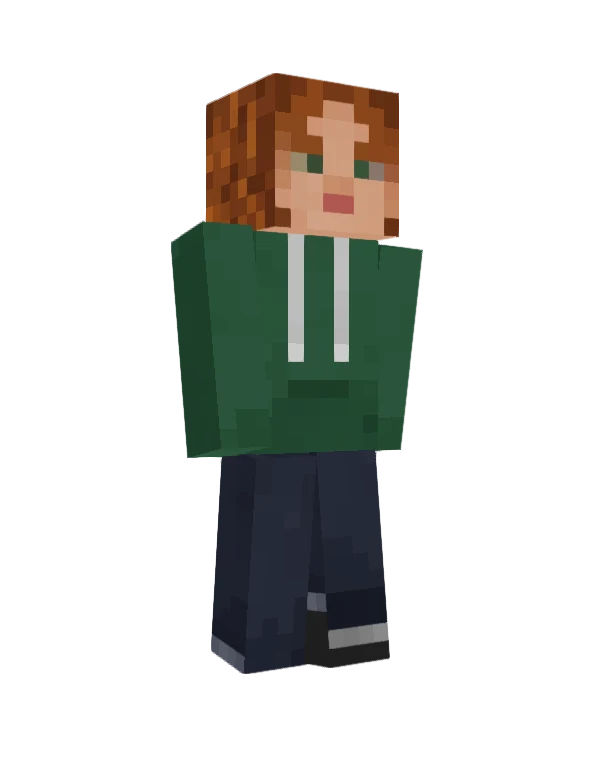
Upload a selfie and Blocksona rebuilds you in blocks: your hair, skin tone, glasses and outfit colors carry over, and it paints the back and sides too.
Input
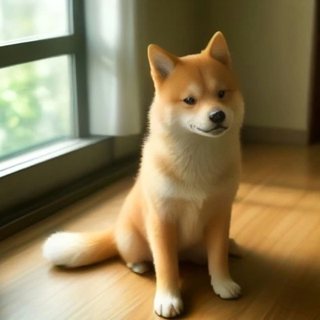
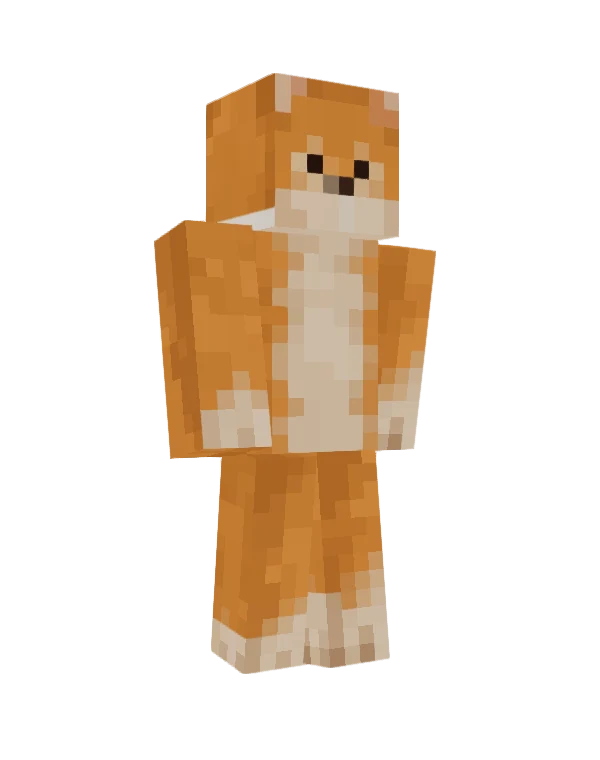
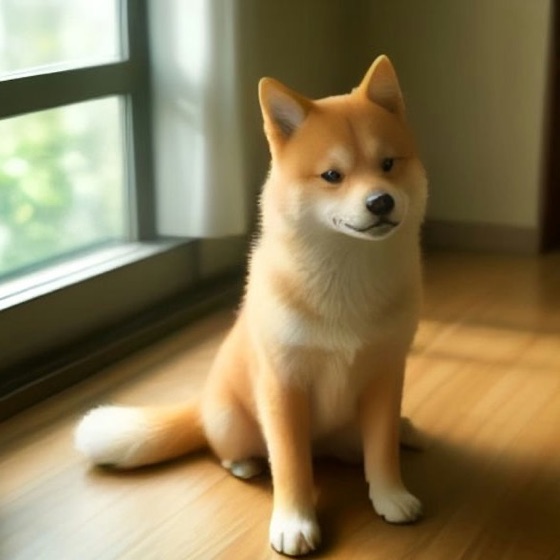
Most skin makers stop at people. Blocksona turns a pet photo into a pet-sona: its fur pattern, markings and face, ready to walk around your world.
Input
> a knight in shiny golden armor with a red cape and a plume on the helmet
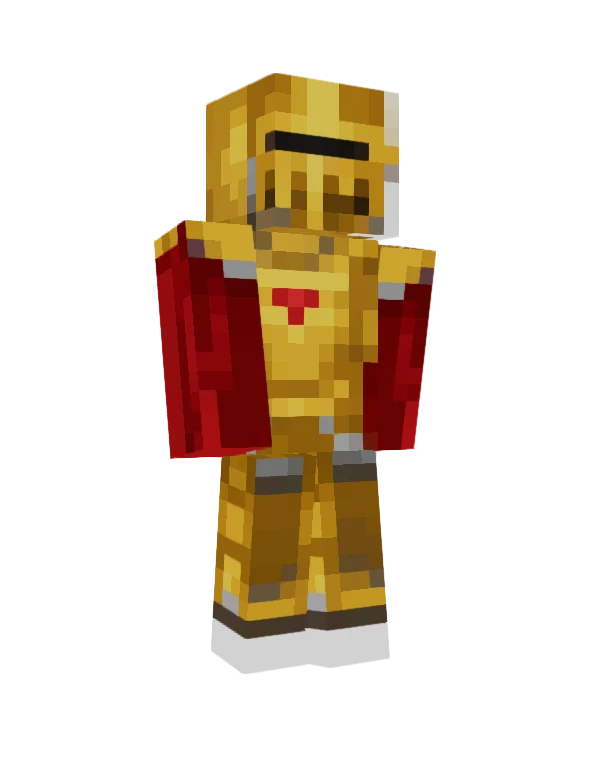
No photo needed. Write who you want to be, a knight in golden armor or an astronaut with a clear visor, and Blocksona paints every side of it.
Fan art, an OC, a mascot or a game screenshot. The design carries over: hoods, armor, skirts on the legs, tails and capes on the back.
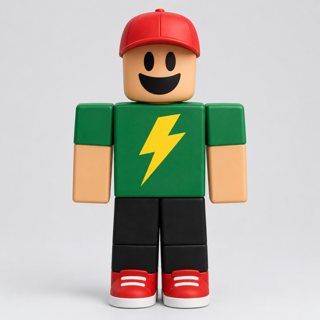
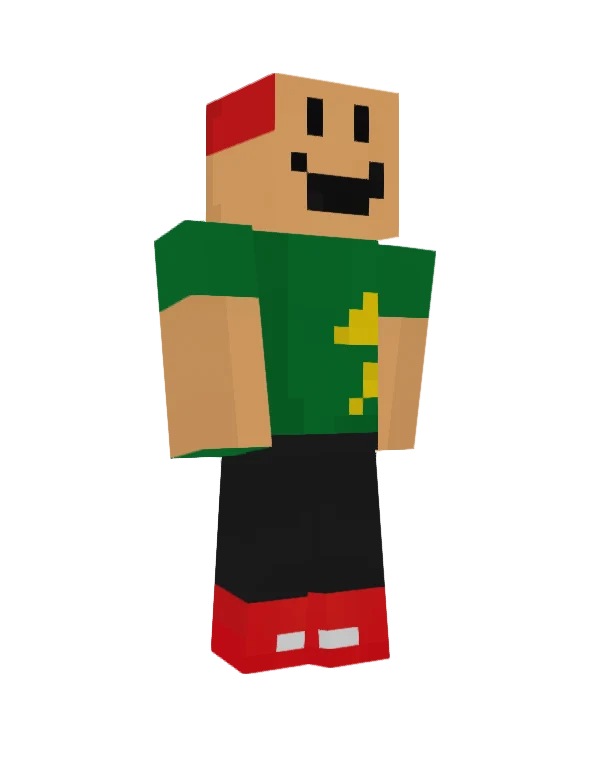
Type a username or upload a screenshot. The parts map one to one: face decal, shirt, pants, hair and hat. A typo costs nothing.
Uses the public avatar picture only. Not affiliated with Roblox.
Squad skinsComing soon
Upload the whole family or friend group and get matching skins that look like a set.
Real AI outputs
Every skin here came straight out of the generator, with no hand edits. Hover to see the back, click to spin it in 3D.
The example photos and avatars are AI-generated: no real people, no real accounts.
Creator challenge
Post a video. Win a $25 gift card.
Make a skin, turn it into a reveal video in one click, post it on TikTok, Shorts or Reels, and win gift cards and free credits.
How it works
01
Facing the camera, good light, one subject. Your browser shrinks it before upload.

02
All 64×64 pixels in the exact layout Minecraft reads: front, back, sides, even the soles.
03
Spin it in 3D, pick classic or slim arms, download the PNG and load it in the game.
File check
Plenty of AI tools draw something that looks like Minecraft. Blocksona hands you a file the game loads.
64×64
the canvas Minecraft reads
Free tools
Fix a pixel, turn a picture into a block build, check a skin before you wear it, and keep every skin in one place.

Touch up any skin pixel by pixel, or paint straight onto the 3D model. Mirror, fill per face, both layers. Open any PNG or one of yours.
Open the editor
Turn any picture into block pixel art you can build in survival, with the exact wool, concrete and terracotta counts in stacks.
Make pixel art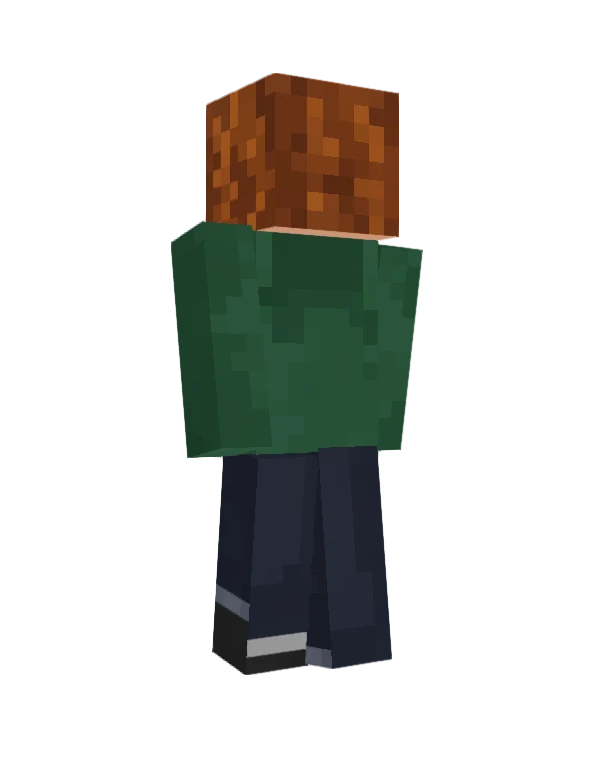
Open any 64×64 PNG, spin it and switch between classic and slim arms. No account needed.
Open the viewer
Crop the 8×8 face of any skin into a crisp PNG avatar for Discord, your server or a profile picture.
Make an avatarEvery skin you generate is saved privately, so you can download it again on any device.
My skinsShop
1 credit makes 1 skin. New accounts get 3 credits free, and failed generations refund themselves.
Starter
Try a few looks on yourself
Family
Enough for the whole squad and the dog
Mega
For servers, clans and creators
Help
Still stuck? Open a ticket from your account and we will get back to you.
Good to know
Blocksona is an AI Minecraft skin generator built around one rule: the result has to work in the game. Instead of a picture of a blocky character, it paints a real 64×64 skin texture in the exact layout Minecraft reads, checks it, and gives you a PNG you can load in Java Edition or Bedrock.
Before you download, spin the skin in 3D to check the front, back and sides, and switch between classic and slim arms. Skins you already have open in the free 3D skin viewer.
If the AI gets a detail wrong, fix it pixel by pixel in the free Minecraft skin editor, where you can paint right on the 3D model. And to build a picture out of blocks in your world, the pixel art maker lists every wool, concrete and terracotta block you need.
Not sure how to put a skin in the game? Our step-by-step guides cover Java and Bedrock.
By the Blocksona teamUpdated
Before you play
Installing skins, taking better photos and other things players ask about.
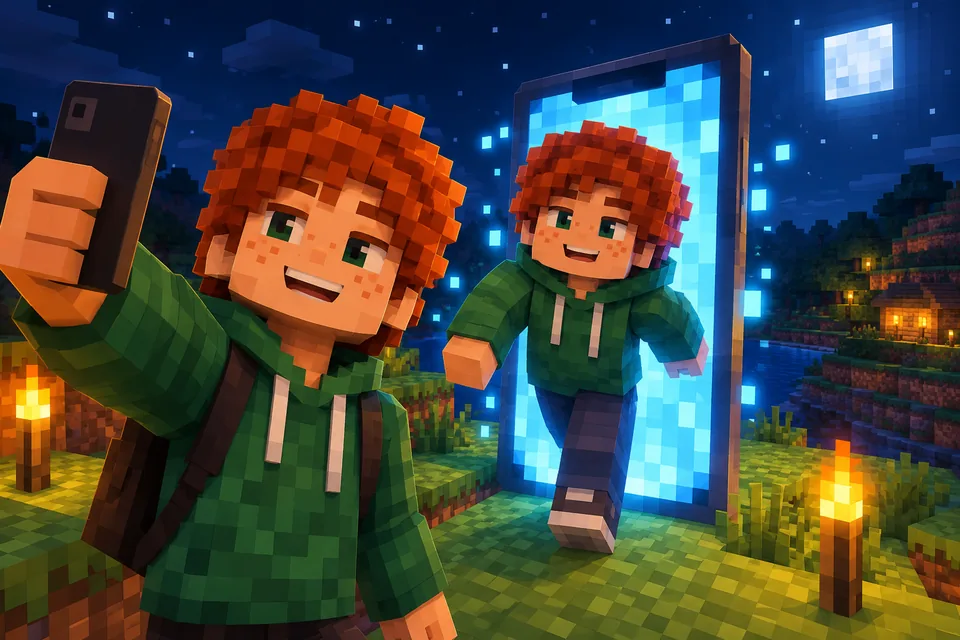
Turn yourself into a Minecraft skin from one selfie in about 2 minutes, or paint it pixel by pixel in a free editor. Steps, real examples, fixes and install.
 Blocksona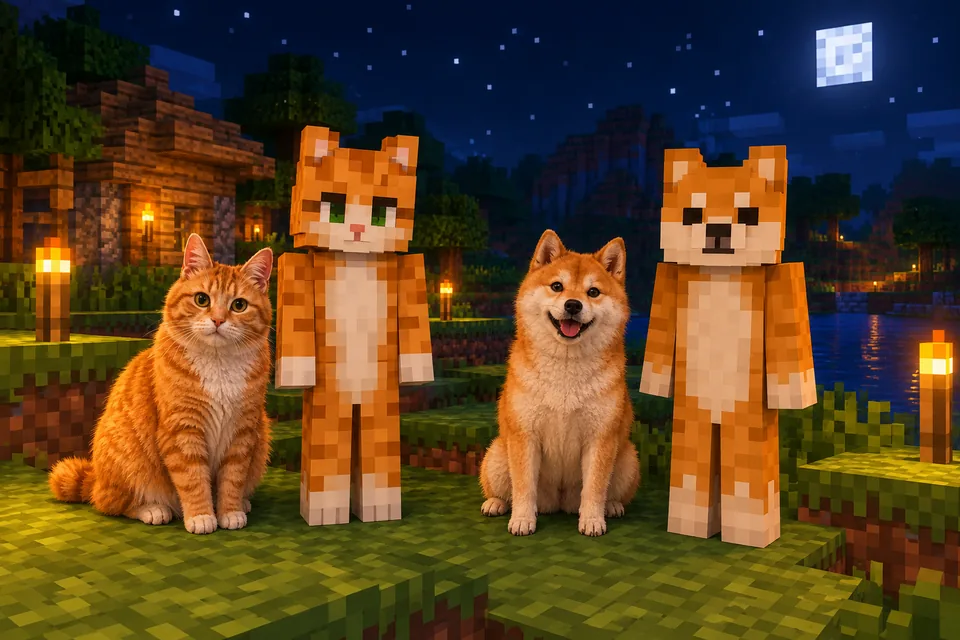
Turn your dog, cat or parrot into a Minecraft skin you can wear. Photo tips, Pet mode steps, real examples, coat and breed tips, and a matching owner skin.
Blocksona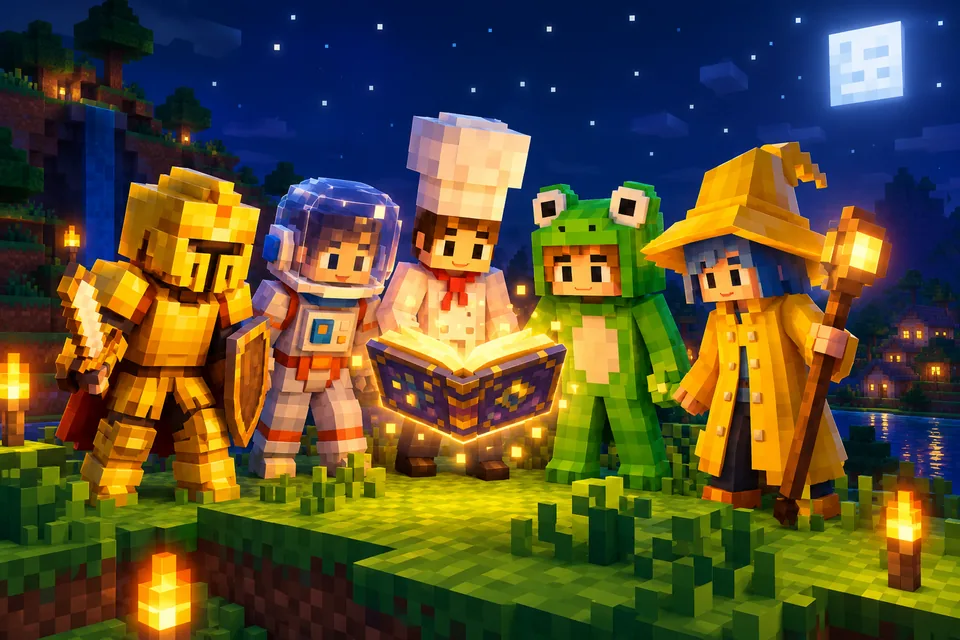
Cool Minecraft skin ideas as ready-to-paste prompts: fantasy, jobs, animals, sci-fi, seasonal and matching skins for friends, plus a formula for your own.
BlocksonaReady?
Three free credits to start. Most skins are ready in under a minute.
Make my Blocksona


